
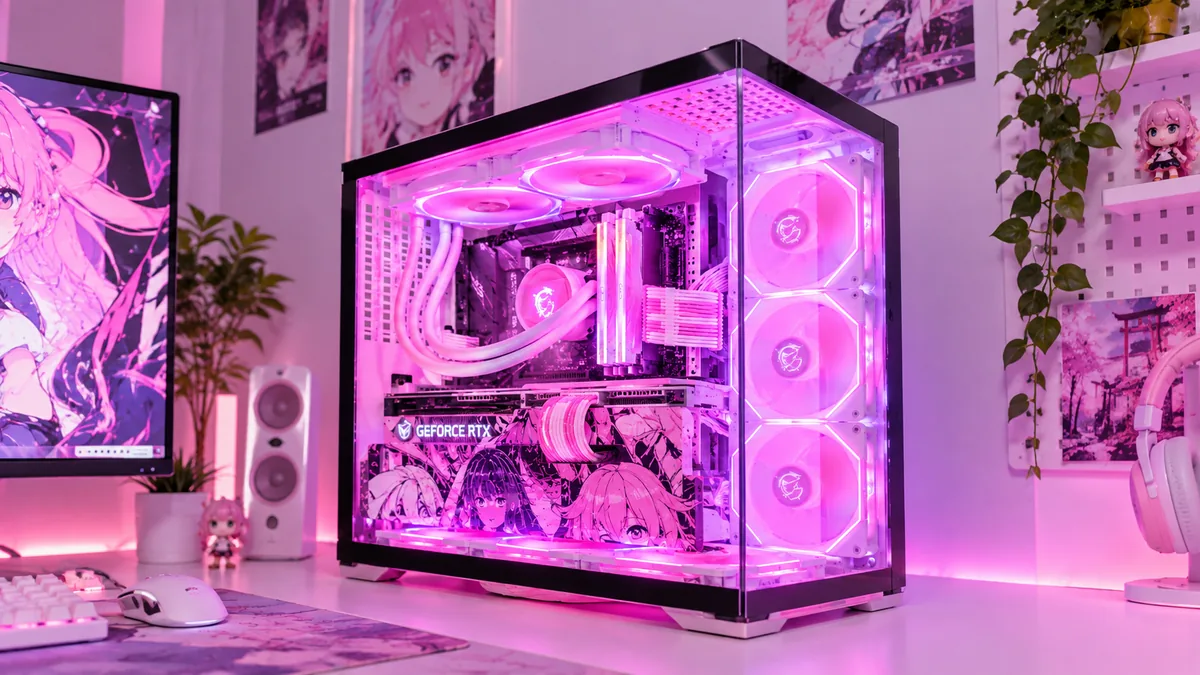
Gaming
NEXORA G5
Ryzen 5 · RTX 4060 · 16GB · 1TB SSD
Rp 11.999.000
Customize Build →PC GAMING • CREATOR • WORKSTATION
Semua kebutuhan PC-mu, ada di NEXORA.
Gaming, Creator, Programming, sampai Workstation. Temukan setup yang sesuai kebutuhanmu.
Tim siap membantu menyesuaikan PC dengan kebutuhanmu.
Detail garansi tersedia, tanyakan tim kami sebelum membeli.
Info estimasi pengiriman tampil saat checkout.
PC Builder membantu mengecek part sebelum kamu simpan build.
FAQ
Mulai dari PC Finder. Jawab beberapa pertanyaan tentang kebutuhan dan budget, lalu kami tampilkan pilihan yang cocok.
Bisa. Pilih sampai tiga produk dari halaman Products, lalu buka Compare untuk melihat spesifikasinya berdampingan.
Gunakan PC Builder. Setiap perubahan part dicek kompatibilitasnya sebelum build disimpan.
Ya. Hubungi tim NEXORA untuk konsultasi sebelum membeli.
SHOP BY NEED
Choose a starting point and find a setup that fits the way you work, create, and play.
 01GamingExplore Builds →
 02CreatorExplore Builds →
 03ProgrammingExplore Builds →
 04Work & StudyExplore Builds →
RECOMMENDED FOR YOU
We’ll narrow the lineup to PCs that match the way you use them.
PCs designed around the way you use them.
Gaming
Ryzen 5 · RTX 4060 · 16GB · 1TB SSD
Rp 11.999.000
Customize Build →Creator
Ryzen 7 · RTX 4060 Ti · 32GB · 1TB SSD
Rp 17.499.000
Customize Build →Workstation
Core i9 · RTX 4070 · 64GB · 2TB SSD
Rp 28.999.000
Customize Build →Anime Edition
Ryzen 5 · RTX 4060 · 16GB · Custom panel
Rp 12.899.000
Customize Build →PRODUCTS
Gaming PCs, creator systems, workstations, laptops, components and accessories — all in one place.
Fictional NEXORA products for a school project.
PC FINDER
Tell us what you need, your budget, and what matters most. We’ll narrow it down for you.
Tell us what you need, your budget, and how you use your PC.
EXPLORE NEXORA
Jump straight into the experience you want. The Home page stays focused; the full tools live on their own displays.
EXPLORE NEXORA
Preview the experience, then open the dedicated page.
Masuk ke halaman builder untuk ngerakit setup sesuai kebutuhanmu.
+ NEXORA × ANIMEFuture Knight dan visual theme NEXORA ada di halaman khususnya.
+ PC FINDERCari rekomendasi PC berdasarkan use case, budget, dan preferensi.
+ HARDWARE GUIDESBaca guide lengkap di halaman guides tanpa memenuhi landing page.
+PC BUILDER
Choose your components and shape a setup around your needs.
Pick the parts, watch the total update, and get a quick compatibility check before you save the build.
NEXORA PC LAB
Rakit PC secara interaktif: baca kondisi sistem, pilih tool yang tepat, ikuti target yang menyala, dan hadapi konsekuensinya kalau salah.
NEXORA × ANIME
Customize the personality of your setup with anime-inspired themes and visual styles.
NEXORA × ANIME CULTURE
Your setup doesn't have to look like everyone else's. Give your PC a visual identity with themes inspired by anime culture.
A bold visual theme for builders who want their setup to feel like their own world.

Gaming Desktop
Rp 11.999.000
View ProductBUILT BY THE COMMUNITY
A future showcase for NEXORA builders, anime themes, and custom setups.
HARDWARE GUIDES
Understand what each part does, what to prioritize, and what to check before you build.
START HERE
Short, practical guides made to connect directly with Shop, Compare, and PC Builder.
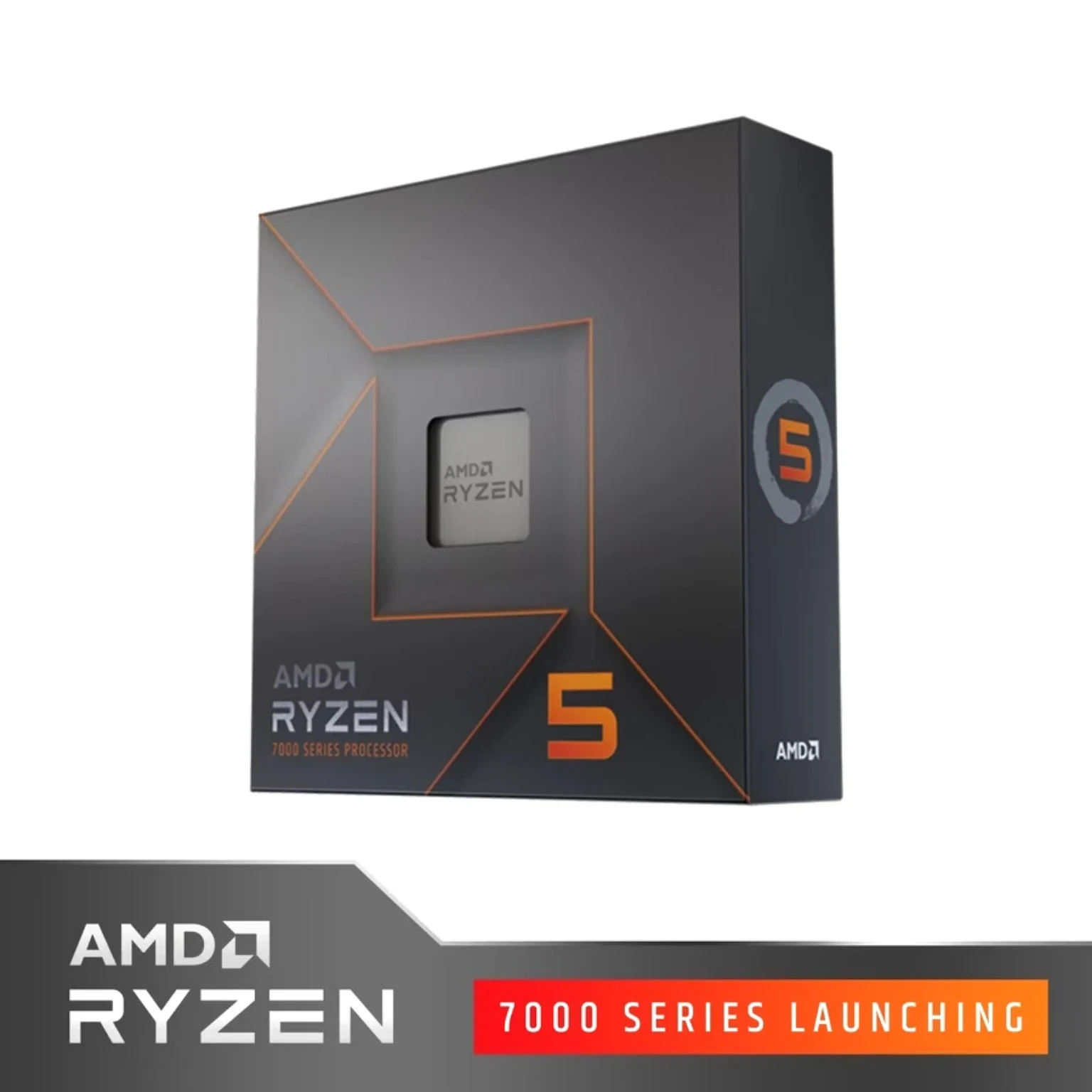 PRODUCT PHOTOCPU
The instruction engine behind apps, game logic, and everyday responsiveness.
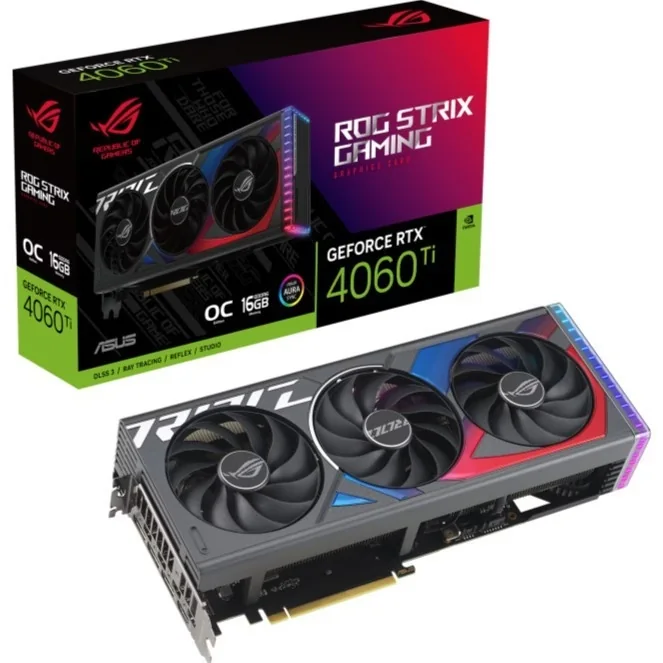 PRODUCT PHOTOGPU
The graphics engine that matters most for frame rates, visual workloads, and creative apps.
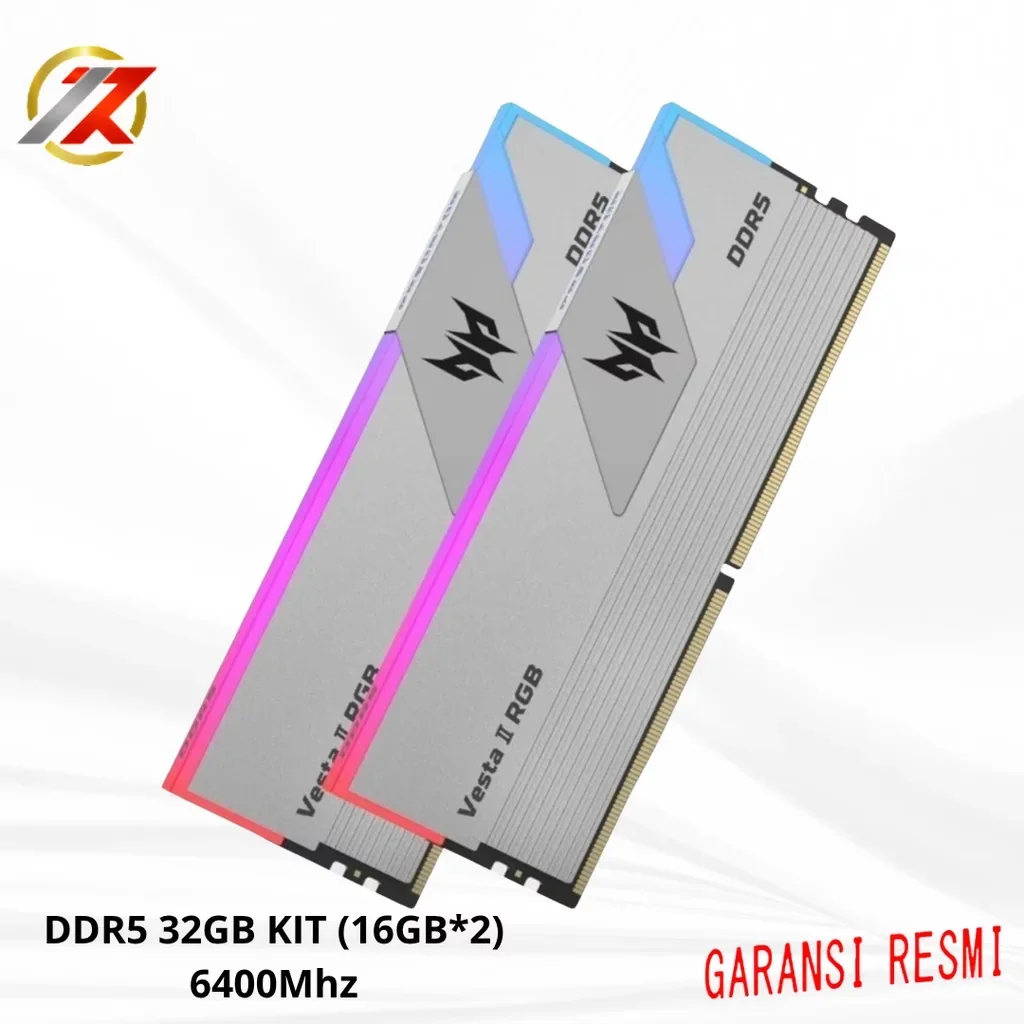 PRODUCT PHOTORAM
Working space for active apps, multitasking, large projects, and heavier workflows.
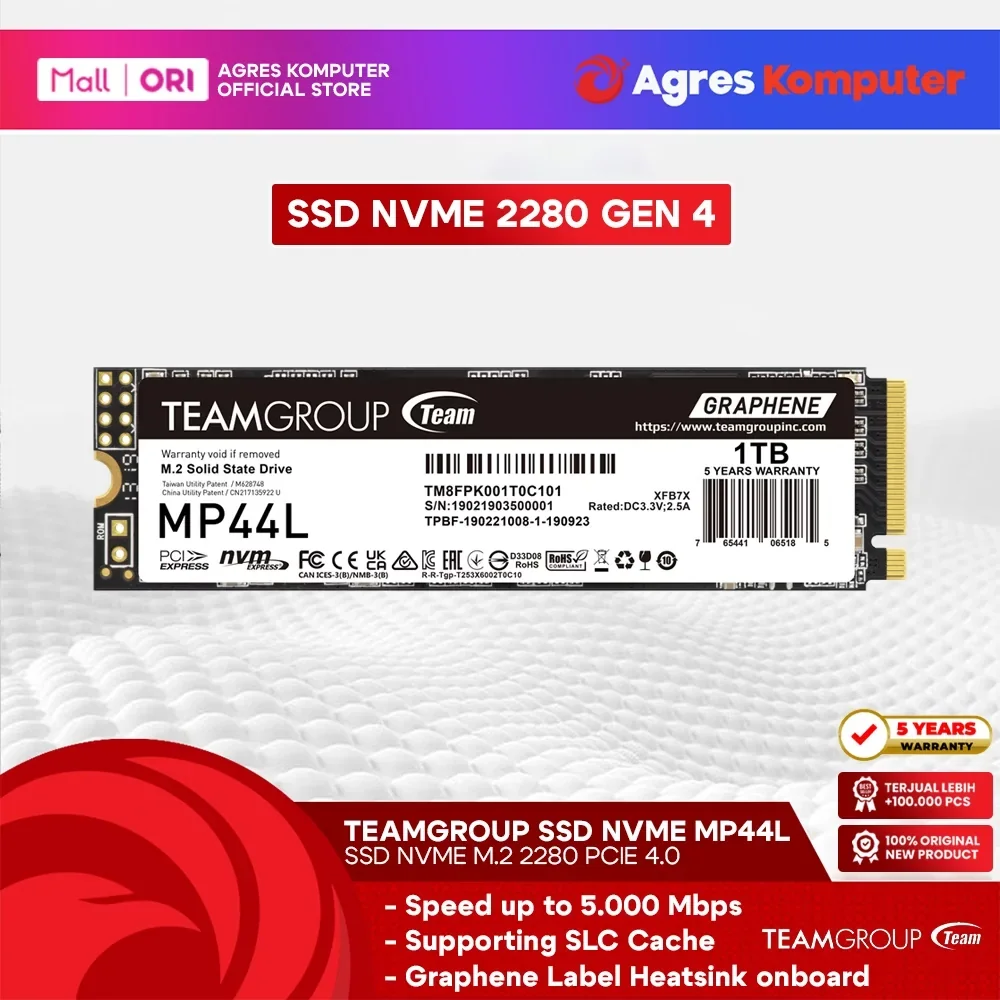 PRODUCT PHOTOSSD
Fast storage helps loading and transfers; capacity decides how much you can keep installed.
 PRODUCT PHOTOPSU
Stable power and sensible headroom keep your selected CPU and GPU properly supported.
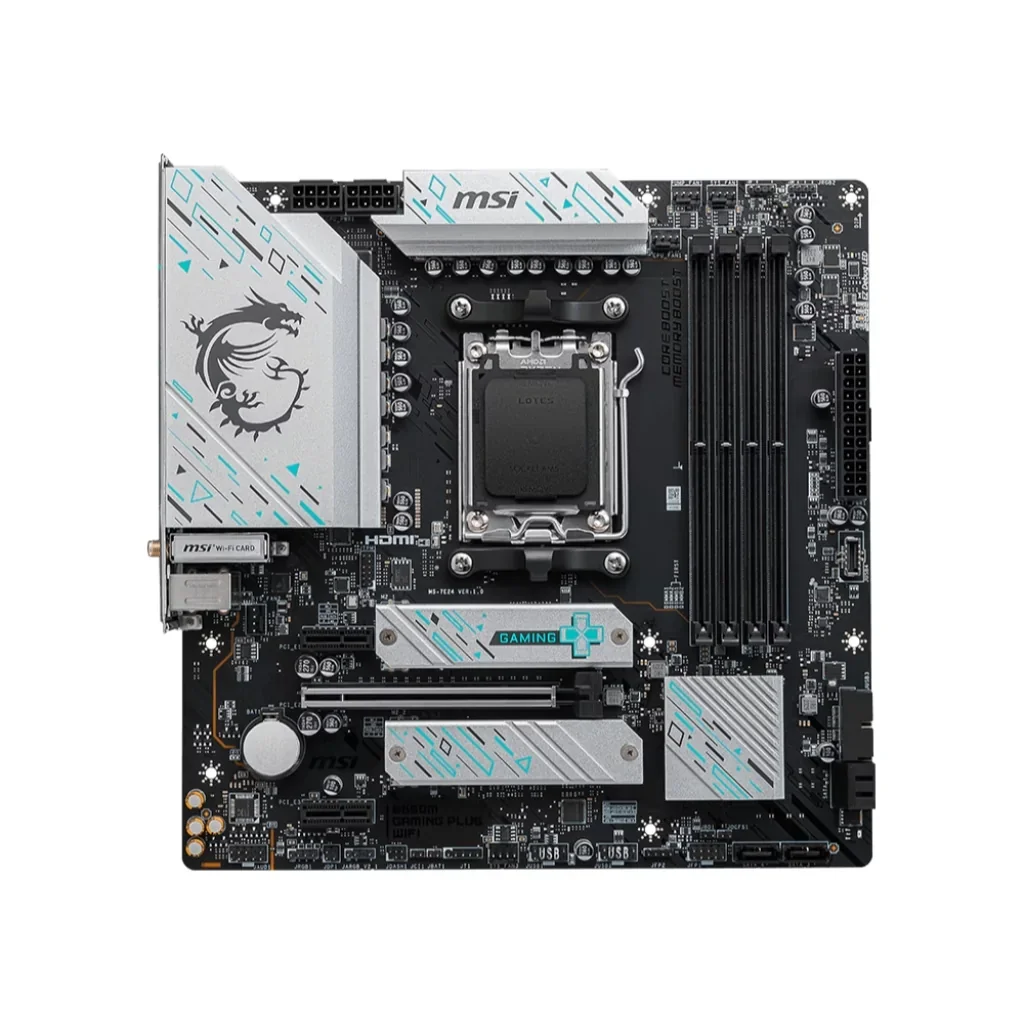 PRODUCT PHOTOMotherboard
The connection layer for CPU, memory, storage, expansion cards, and ports.
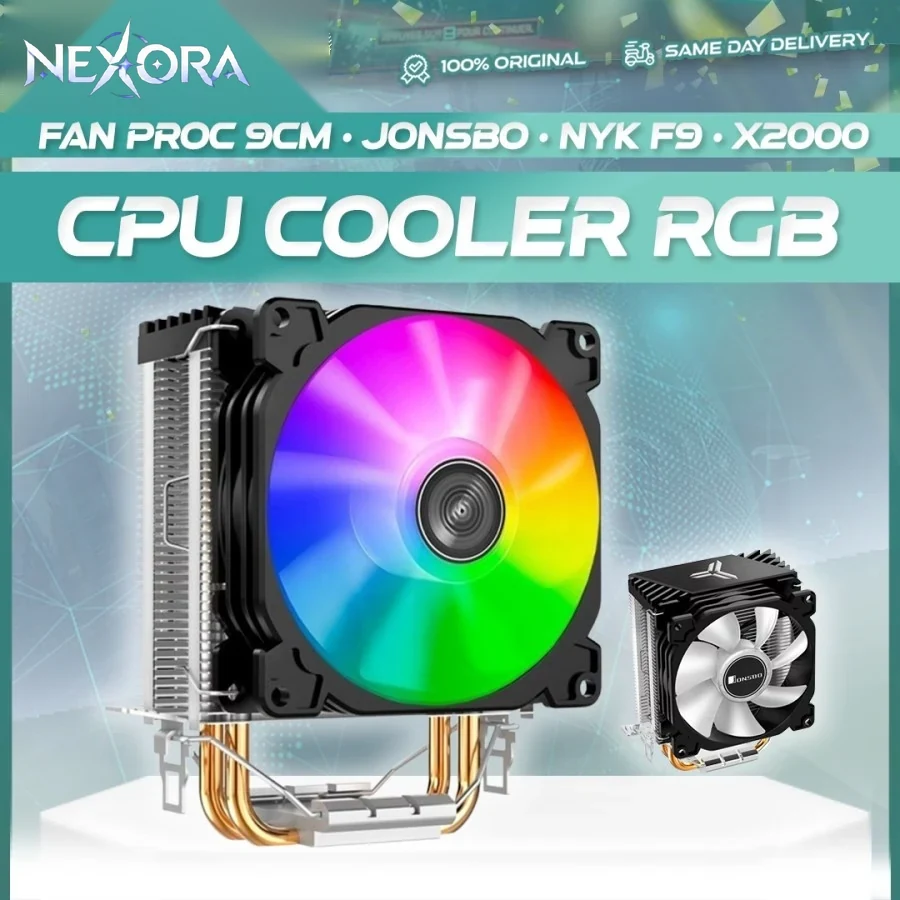 PRODUCT PHOTOCooler
Cooling removes CPU heat and matters more when workloads stay heavy for longer.
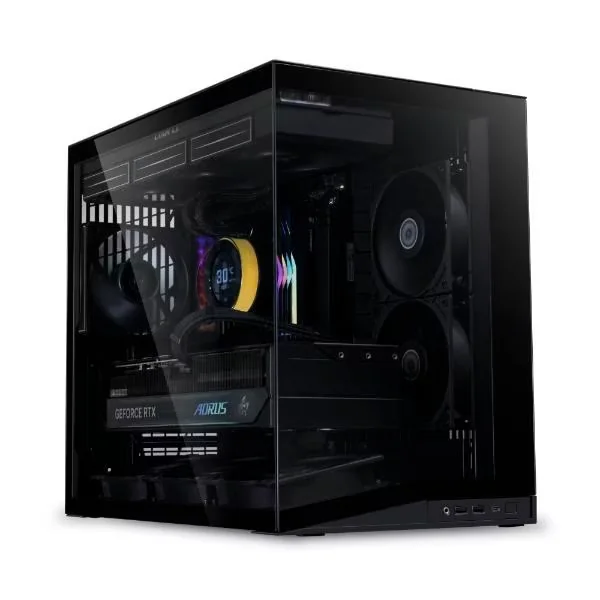 PRODUCT PHOTOCase
Fit, airflow, GPU clearance, cooler height, cable space, and the look all matter.
Start with the parts, then let NEXORA check the build before you finish.
Take a break
Chill room dengan video dan playlist, untuk jeda di sela build.
NEXORA ORDERS
MY ORDERS
Pantau status, estimasi tiba, dan detail semua pesanan NEXORA kamu.
Menunggu proses pengiriman.
Produk dan jumlah yang ada di order ini.
Update status pesanan kamu.
Pesanan berhasil dibuat di NEXORA.
NEXORA After Hours
A little break before your next big run.
10:00
Set a break, then get back to your build.
Ready when you are
Breathe in for 4 seconds, out for 4.
Listen
assets/video/take-a-break-as-if-its-your-last.mp4BLACKPINK
Take a moment. You've done enough.
TAKE A BREAK
Wait for the panel to turn green, then tap it as fast as you can.
Find all six pairs. Fewer moves is better.
Best scores are saved in this browser only.
COMPARE
Select up to three products from the Products page, then compare their specifications side by side.


